
eSERVICES

Online Banking
Spend time online, not in line.
Online Banking is a simple, secure way to manage your accounts from your computer, tablet or mobile device 24-hours a day!
- View balances and history of all your Armco CU accounts: checking, savings, loans, certificates and credit card
- View your canceled checks
- Transfer funds between accounts
- Pay bills and schedule payments
- Apply for loans
- Open accounts
- Opt-in for e-alerts
- Opt-in for eSTATEMENTS

Mobile Banking
Banking on the go! Download our free, secure app to your mobile device. You’ll have the same features as online banking plus…
- Transfer money between accounts
- FREE Remote Deposit Capture
- Open additional accounts
- Apply for loans
- Search for surcharge-free ATMs
- Turn access to your Mastercard debit card on and off with card controls
- Fingerprint & Facial Recognition (with supported device)
- Visit your mobile device’s app store to download this safe, secure app.
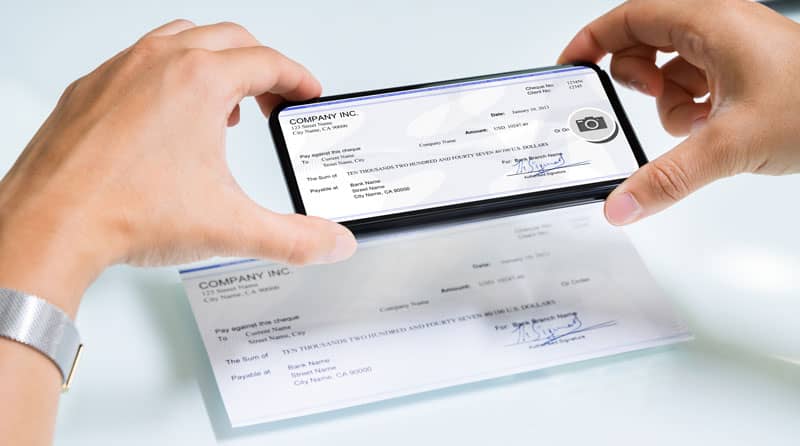
FREE Remote Deposit Capture
There’s no need to visit a branch to deposit checks! Remote Deposit Capture allows you to deposit checks by simply snapping a photo of your checks with your smartphone. It’s safe, secure and convenient. (Data rates may apply)
Watch our Remote Deposit Capture video

FREE Bill Pay
Save the time, money and hassle of writing and mailing checks. Pay your bills in one convenient location with Bill Pay.
- Mortgage, utilities, insurance — whatever you want to pay, Bill Pay lets you send payments from your computer or mobile device.
- Set up automatic recurring payments — don’t worry about forgetting to pay a bill again!
- Make as many payments as you want every month.
- Guided Tutorial

FREE eLOAN Services
Apply for a loan online or on your mobile device in just 3 simple steps. Check back later for the status of the loan. You can even close some loans electronically without having to set foot in our branch.


- Download the MyCardRules™ app to protect your Cashback Rewards Visa® Credit Card or your Mastercard® Debit Card from fraud!
- Turn your card on or off
- Set transaction spending limits for dollar amounts, transaction types, and merchant types
- Get instant alerts on certain types of transactions
- Set a specific region where the card can be used or restrict usage based on your mobile device’s location
- Visit the MyCardRules page for more info
- View and Download our Get Started Guide
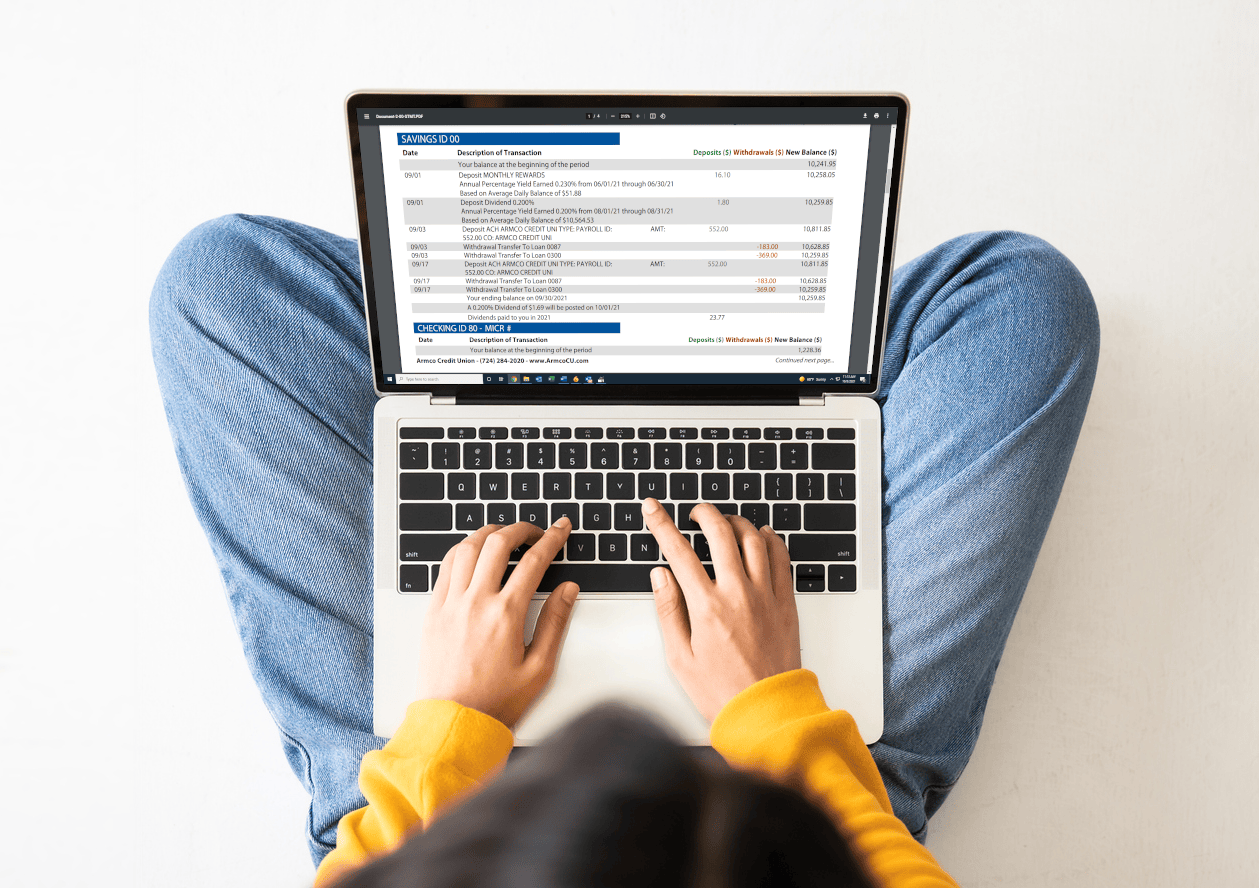
eSTATEMENTS
Stop waiting for snail mail!
More and more members are switching to electronic statements. Because physical statements contain sensitive account information, they must be securely stored or shredded. They are also prone to postal delays.
Electronic statements can be downloaded and viewed securely on any device, with years of historical statements saved for your convenience.
Click here to learn how to opt into eSTATEMENTS.
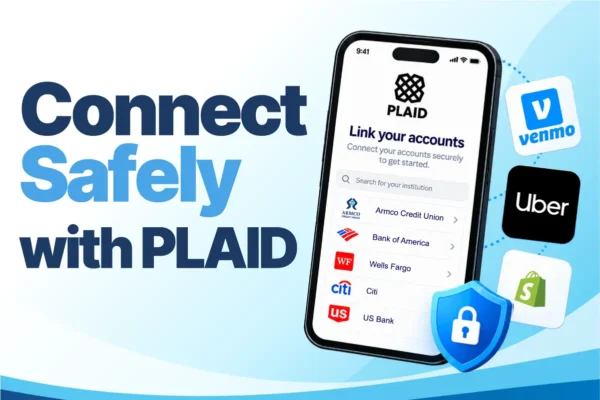
Connect Safely with Plaid
Do you use payment apps like Venmo? Plaid helps you connect your eligible Armco CU Checking Account to participating financial apps and services so you can share financial information with your permission. Plaid uses encryption to help protect your financial information.
How to get started
You do not need to create a separate Plaid account to connect through a participating app.
- Open the participating financial or business app.
- Look for an option such as “Link a bank account.”
- If the app uses Plaid, search for “Armco Credit Union.”
- Follow the prompts to authenticate, review the connection details, and authorize sharing information from your eligible checking account.
Availability and features vary by financial institution, account type, app or service, and the Plaid products in use.